
A database of your own
Each SecureSync customer gets a dedicated database. No business data is ever shared between customers.
Bringing your business data together only works if it's kept safe, and if every client is sure they see their own information and nobody else's. This is how SecureSync makes sure of it.
On every plan, with nothing to switch on.
Each SecureSync customer gets a dedicated database. No business data is ever shared between customers.
Data is encrypted in transit with TLS 1.2 or higher, and at rest with AES-256, including files.
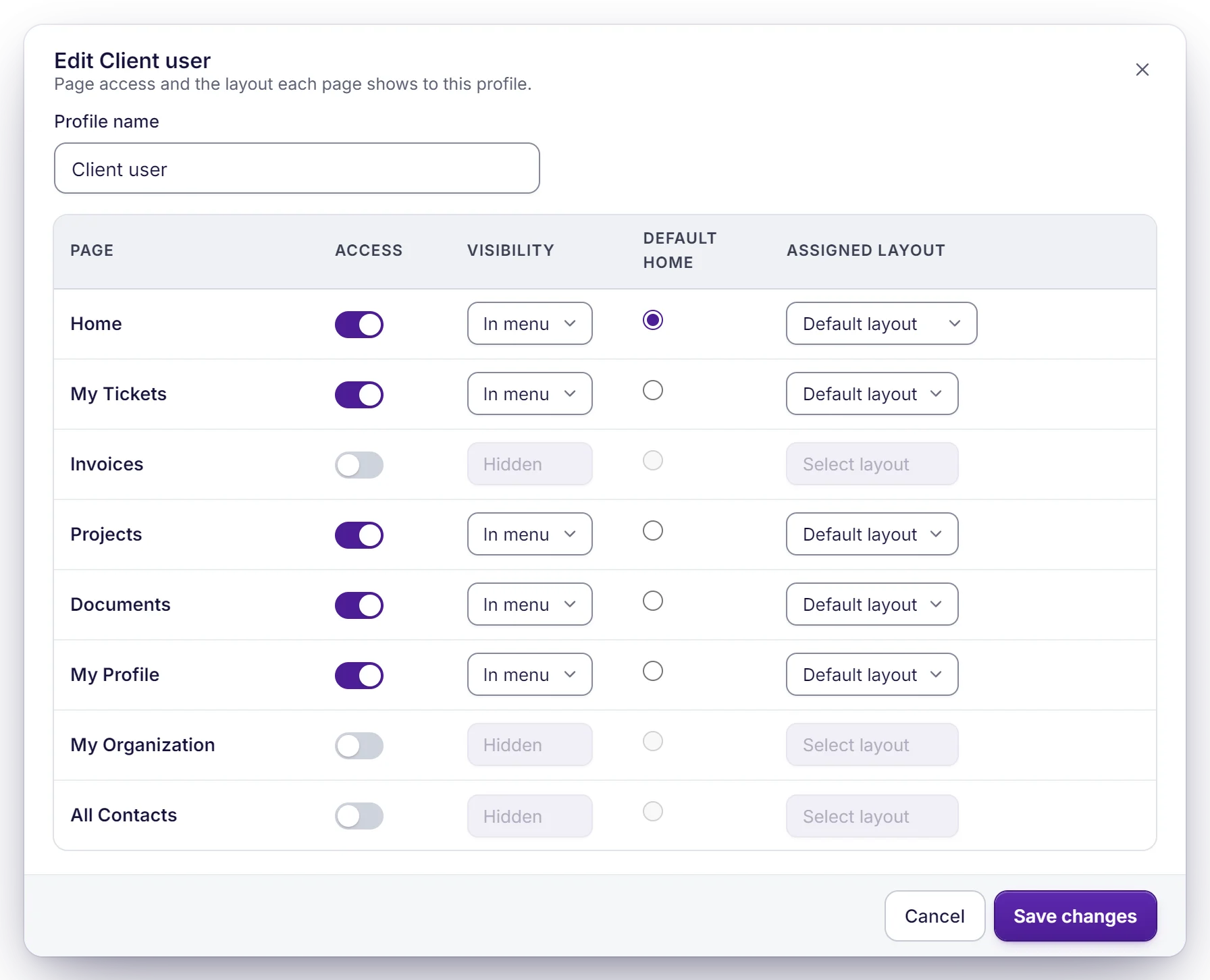
Each client reaches only the records they're linked to, down to the field. If a check can't pass, nothing is shown.
Only salted, one-way hashes are kept, and nobody at SecureSync can read a password.
SecureSync never sees your Zoho password, and your connection tokens stay in your own database.
We process the data you sync only to run SecureSync for you. We never sell it, never share it with advertisers and never use it to train AI models.
Each portal user is linked to their own contact and account. Every list, report, file and AI client assistant answer is filtered to those records before it reaches the page.
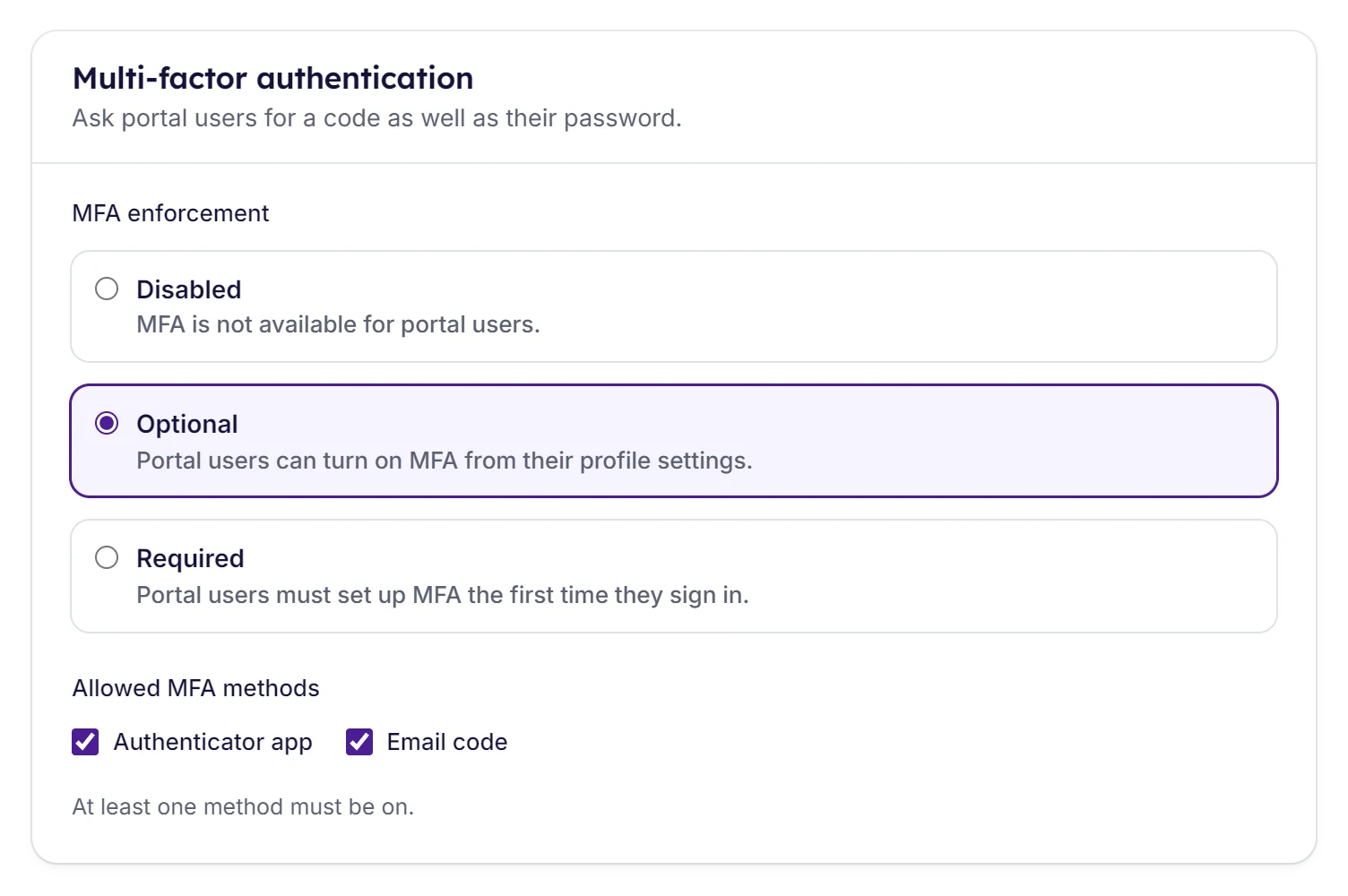
Two-factor sign-in with an authenticator app or an email code, which you can make required for a portal. Clients can also sign in with Google, Microsoft or Apple, and SSO / SAML is available for your team.
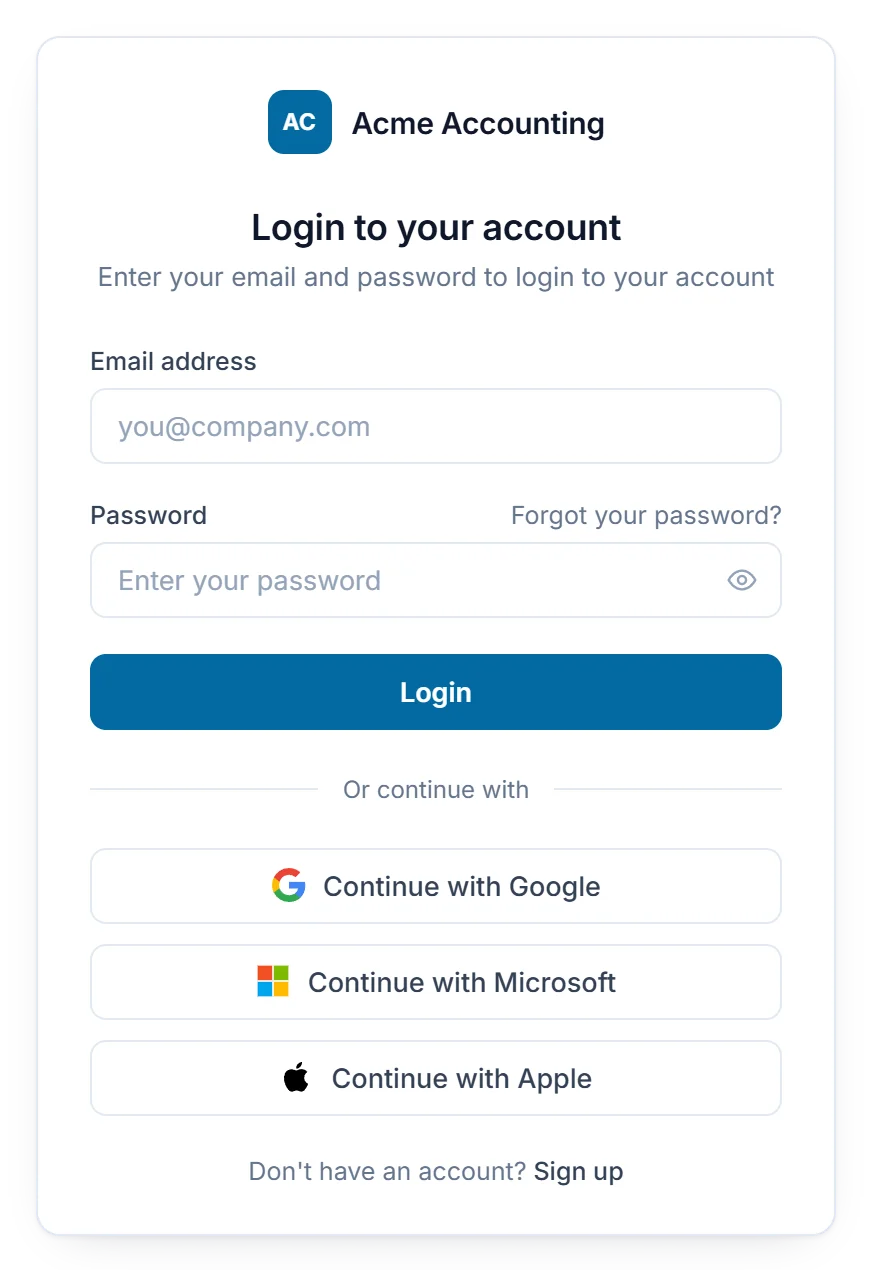
SSO / SAML is included on Enterprise, and $100/mo on Standard and Professional.
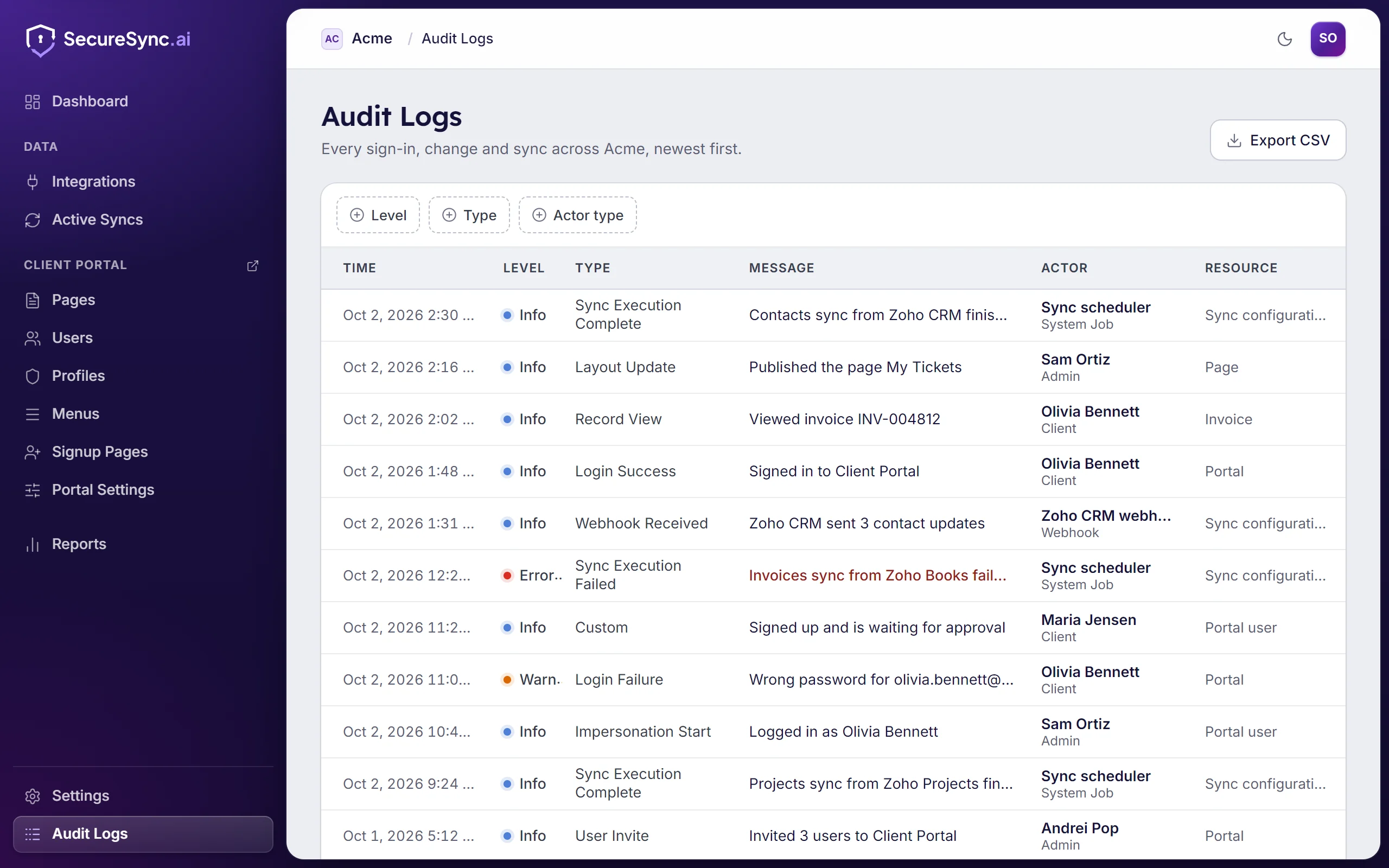
Sign-ins, record views and changes, exports, restores and syncs all land in one audit log. When our team helps a client, the session is recorded as on behalf of that client. Filter it and export it as CSV.
SecureSync's AI runs on enterprise AI models within our cloud provider's infrastructure, not a public AI service. Nothing sent to it is used to train models or shared with anyone else.
Sees your field names and the page you're building, never your records' values. Previews use sample data.
Reads only the records that client is allowed to see in the portal. If they can't open it, neither can the assistant.
Our SOC 2 Type II audit is in progress, covering the controls on this page.
You stay the data controller and we act as your processor. A Data Processing Agreement is available on request.
HIPAA configuration and a Business Associate Agreement are available on Enterprise.
Found a vulnerability? Email security@securesync.ai. We acknowledge reports within two business days.
You stay in control of your clients' data. We act only on your instructions, as your processor, and you can export or delete it whenever you need to.
Have a security questionnaire to fill in? Send it to security@securesync.ai
Start a 7-day free trial, no credit card needed, or book a demo and we will build a page on your own data while you watch.
Have a question first? Send us a message