
Deletions don't ask twice
A record removed in the source app disappears from every report and portal that reads it. A copy taken before the change is the only way back.
SecureSync already keeps your apps in sync, so it keeps a daily copy too. Restore one record, a module or a whole app straight back into Zoho, or export it instead.
Included on every plan for a limited time. Book a demo, or start a free trial and ask us to switch it on.
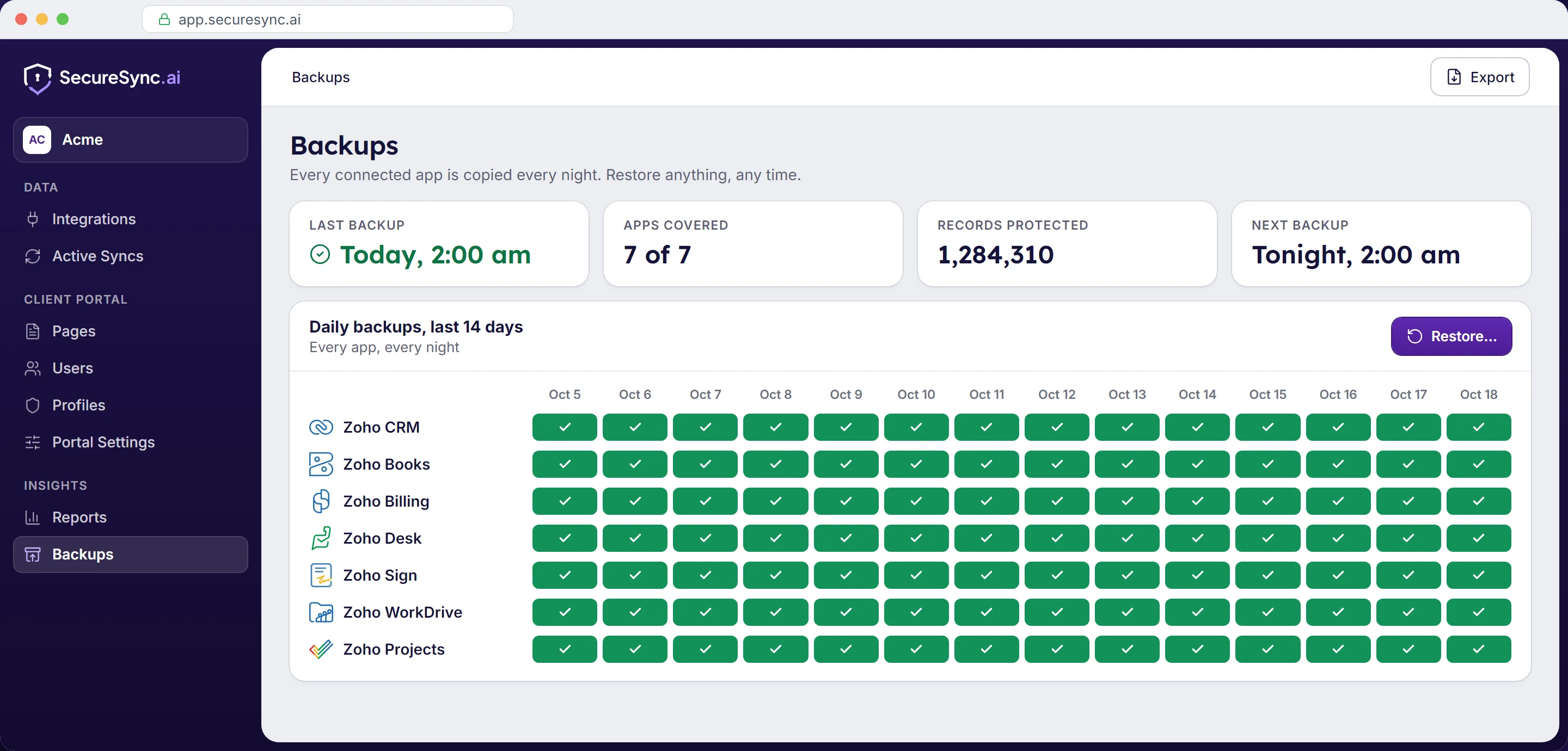
The connection to your apps is already in place, and each organisation's data is already kept apart. Backups builds on both.
A record removed in the source app disappears from every report and portal that reads it. A copy taken before the change is the only way back.
A bad import or a mass update rewrites history without anyone noticing for weeks. Daily copies make the state before the change recoverable.
What matters is spread across CRM, billing, support, projects and files. Every app you connect is backed up the same way.
Pick the night before the mistake, choose how much to bring back, and restore it to the source app or export a copy to work with outside it. The size of the mistake decides the size of the restore.
Put back one contact, invoice or ticket that should not have gone, without touching anything around it.
Roll back a whole module after an import or a mass update goes wrong.
Recover everything from a connected app as it stood on a given day.
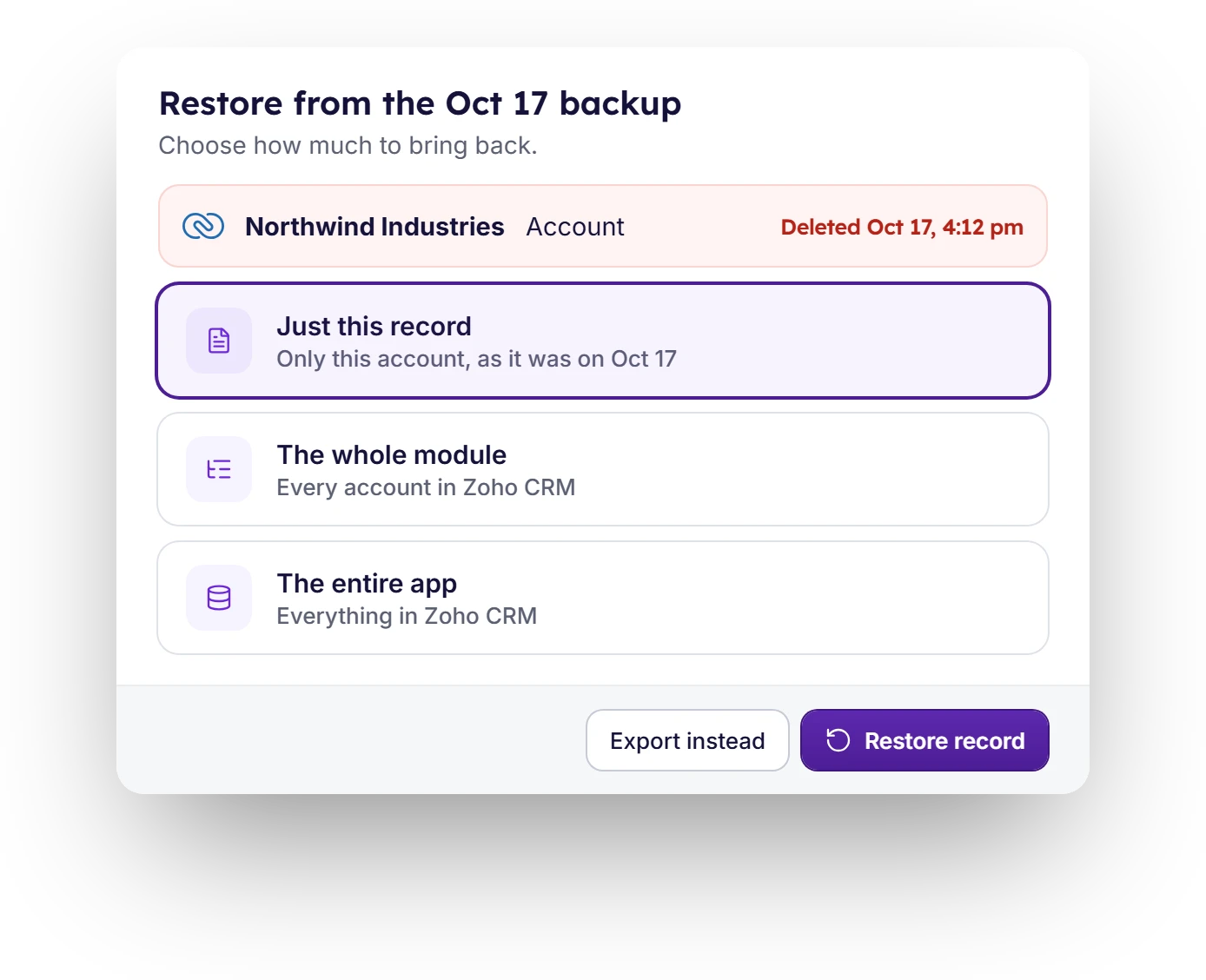
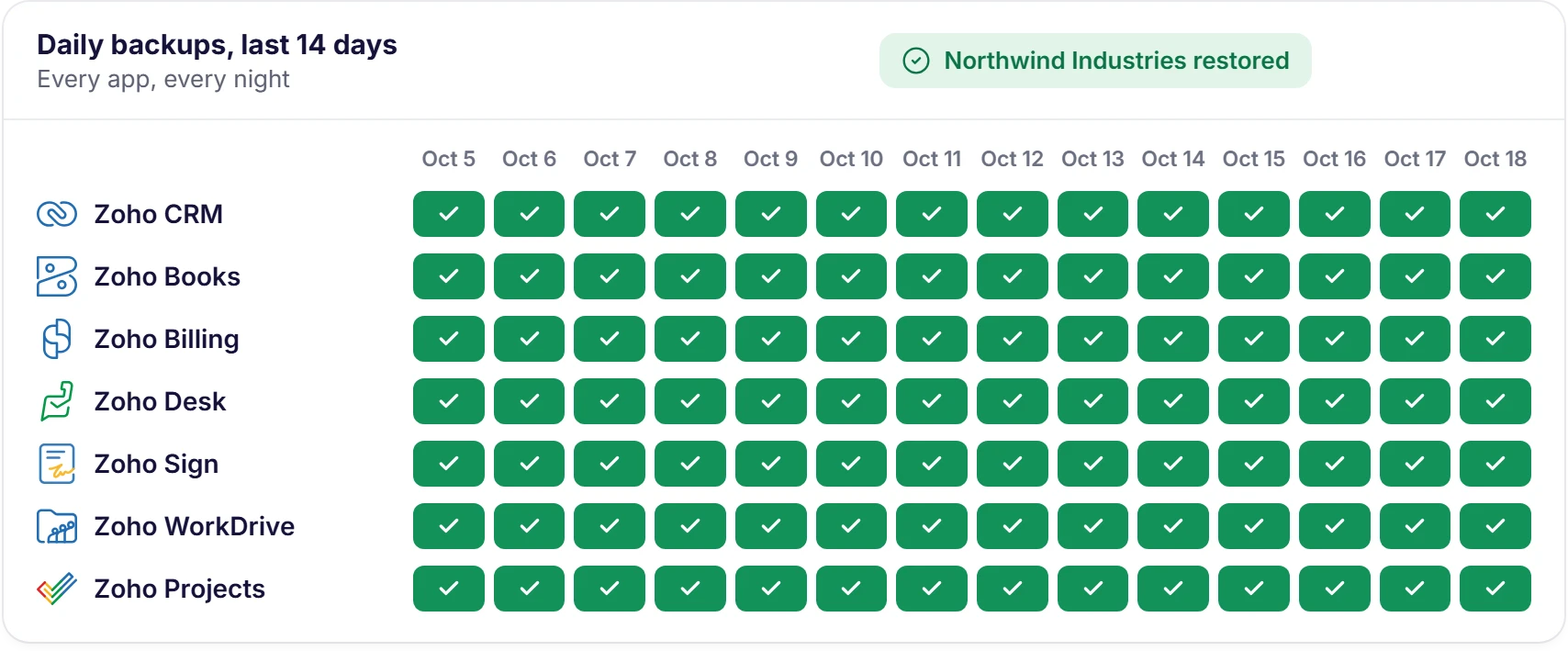
A restore goes straight back into Zoho, so your team, your reports and your portal see it again without anyone re-entering a thing. Every restore is written to the audit log with who ran it and when.
Backups is an add-on, always included on Enterprise and, for a limited time, included on every plan. See pricing
Bringing your data together only works if it's kept safe, and if each client sees only their own.
How we protect your dataBook a demo and we'll connect your Zoho apps and show you a backup and a restore while you watch, or start a 7-day free trial and ask us to switch Backups on.
Have a question first? Send us a message