
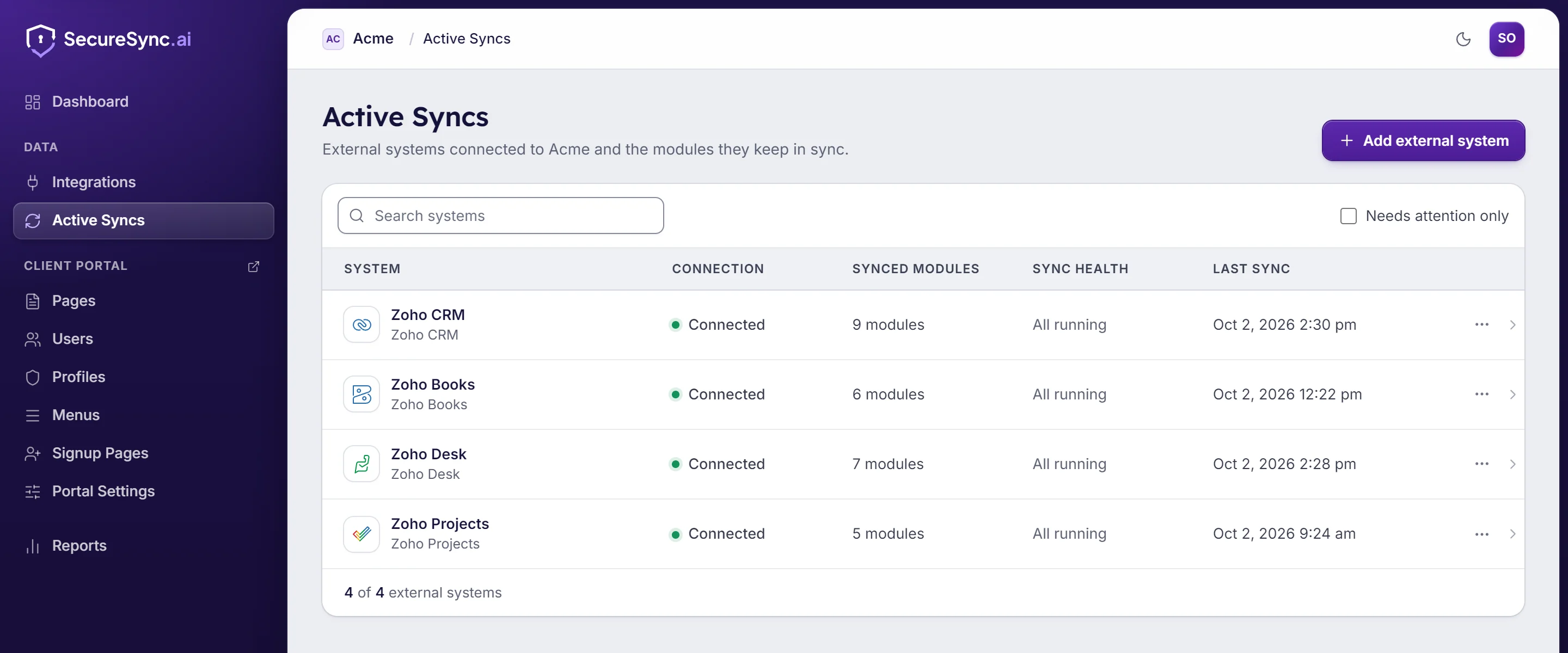
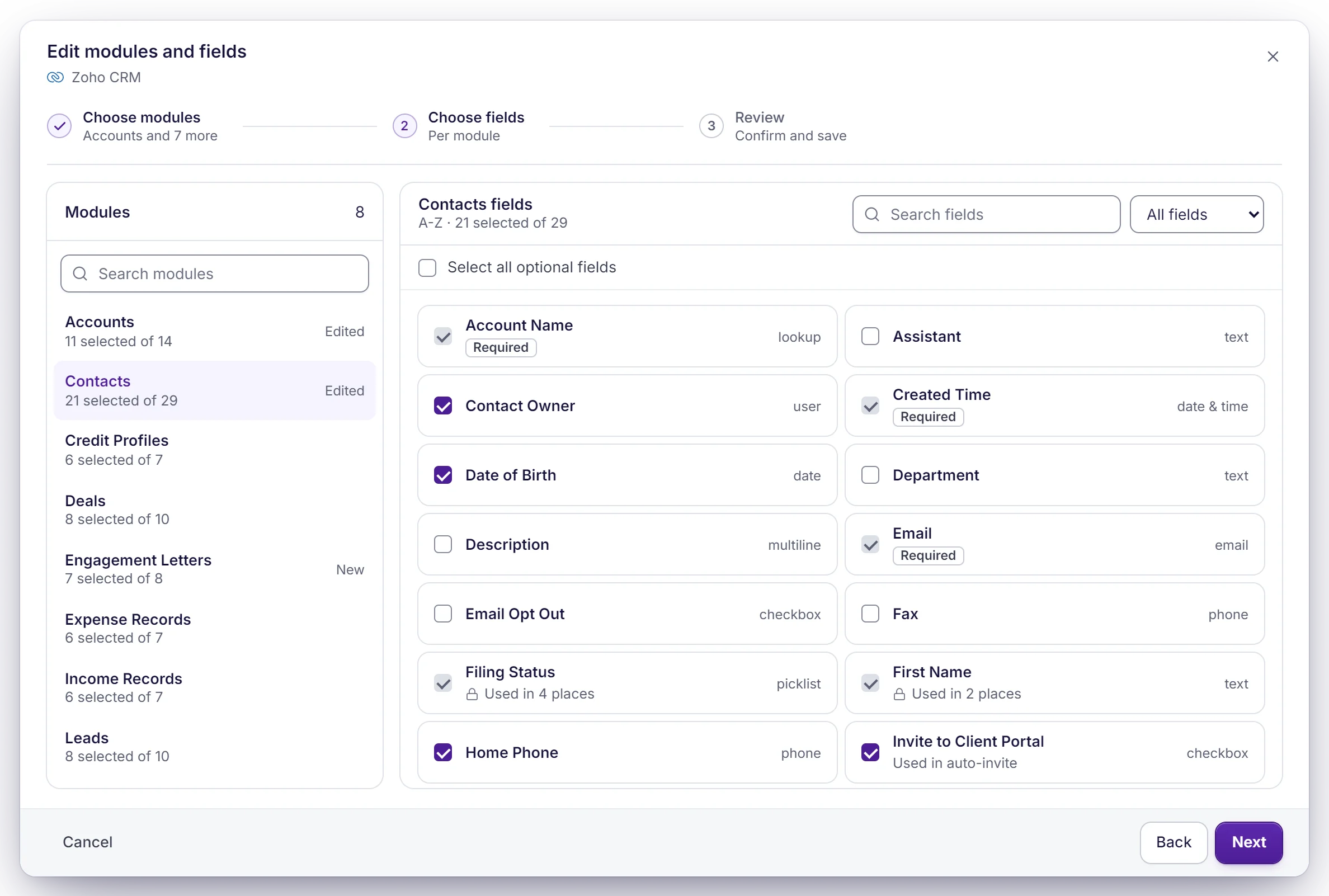
Zoho CRM
Accounts, contacts, deals and any custom module, shown to each client according to the account or contact they're linked to.
What clients can do- See their account, contacts and other records, with the fields you choose
- Update their own details, and add or edit linked records like dependents or contacts
- Fill in forms that create new records, asking only what applies to them
- Filter lists, save the views they use and export to CSV
- Switch between the companies they're linked to, with one login

Zoho Books
Invoices, estimates and payments, so clients see what they owe and what they've paid.
What clients can do- Open any invoice in the portal and download the PDF
- Pay open invoices online
- See what's due, what's overdue and what's already paid
- View their estimates

Zoho Billing (formerly Zoho Subscriptions)
Subscriptions, plans and billing history for clients on a recurring plan.
What clients can do- See each subscription, its price and next billing date
- Sign up for a new plan or switch to a different one
- Update the card on file
- Cancel or reactivate a subscription

Zoho Desk
Support tickets and their replies, so a client can follow a case without digging through email.
What clients can do- Raise a new ticket from the portal
- Follow the thread and reply without an email chain
- See the status of every ticket they've opened

Zoho Sign
Documents waiting for a signature and the ones already signed.
What clients can do- See which documents are waiting for them
- Open documents to sign straight from the portal
- Find everything they've already signed

Zoho WorkDrive
Folders and files shared with each client, kept in their own folder.
What clients can do- Browse the files shared with them, and nobody else's
- Preview PDFs, images, video and Office files in the browser
- Upload files that land in the right folder in WorkDrive
- Download what they need

Zoho Projects
Projects, milestones and tasks, so a client can see where the work has got to.
What clients can do- See each project's status, progress and due date
- Follow the tasks and milestones you choose to share
- Add a task or report a bug
- Comment on tasks, attach files and get notified when they're mentioned
We can bring its data in through a migration, and look at connecting it directly. Tell us what you use.
Ask us →



 QuickBooks
 HubSpot
 Salesforce
 Zendesk
 SharePoint